On this page
If you cut on a CNC router or mill and work on a Mac, the short answer is this: you have fewer choices than Windows users, but enough. Fusion, Carbide Create and FreeCAD install on macOS. Easel, Kiri:Moto and MillPath run in a browser, so the operating system does not matter. The big names many shops use, VCarve, Aspire and Estlcam, are Windows only.
The harder part is the word “free”. Almost every program has a free version, and almost every free version has a catch. Below is what each one does on a Mac today and what you get without paying.
Why is CAM software for Mac so hard to find?
Most hobby and small-shop CAM programs started on Windows, where the machines and controllers were. Porting a desktop program to macOS is real work for a small company, and the Mac share of CNC users is small. So most of them never did.
Apple’s own changes add to it. Macs moved from Intel chips to Apple silicon, and programs built only for Intel run through a translator called Rosetta. Apple has said that macOS 27 is the last release with full Rosetta support. An Intel-only CAM program that still works on your Mac today may stop working after that.
Which CAM programs run on macOS?
Checked on each maker’s site in November 2026:
| Program | How it runs on a Mac | Free version | Good to know |
|---|---|---|---|
| Autodesk Fusion | Native app, Apple silicon | Personal-use license, some features limited | CAD and CAM in one, steep learning curve. Needs macOS 14 or newer. |
| Carbide Create | Native app, Apple silicon only | Core, for Carbide 3D machines only | Other machines need Pro: $120 a year or $360 once. |
| FreeCAD (CAM workbench) | Native app | Free, open source | Powerful but takes time to learn. |
| Easel | Browser | Basic: one carve a week | Starter $8 a month, Pro $24 a month. |
| Kiri:Moto | Browser | Free, open source | Also slices for 3D printers. |
| MillPath | Browser | Free: every 2.5D operation, 2 G-code exports a day | Hobby $49 a year, Pro $89 a year. |
| Vectric VCarve, Aspire | Windows only | No | Runs in Parallels, limited support. |
| Estlcam | Windows only | Trial | Runs in Parallels. |
| Carveco | Windows only | No | Runs in Parallels. |
A note on Carbide Create, because it trips people up: the free Core version is included with Shapeoko and Nomad machines and only makes G-code for them. If you own a different router, you need the Pro license.
Can you run VCarve or Estlcam on a Mac?
Yes, through a virtual machine. On an Apple silicon Mac that means Parallels Desktop with Windows 11 for Arm. Plenty of people cut every week this way, and the forums are full of good reports.
The costs are real, though. Parallels is a paid subscription, Windows may need its own license, and the software maker usually will not help if something breaks in that setup. Vectric says this openly. You also end up with two operating systems to keep updated on the computer you use for everything else.
If you already own VCarve and know it well, Parallels is a fair answer. If you are choosing your first CAM, start with something that runs on the Mac directly.
Is a browser CAM any good on a Mac?
For 2.5D router and mill work, yes. A browser CAM has two things going for it on a Mac: nothing to install, and nothing that breaks when Apple changes chips or drops Rosetta. It is the same program on your Mac, on a shop PC and on a Chromebook.
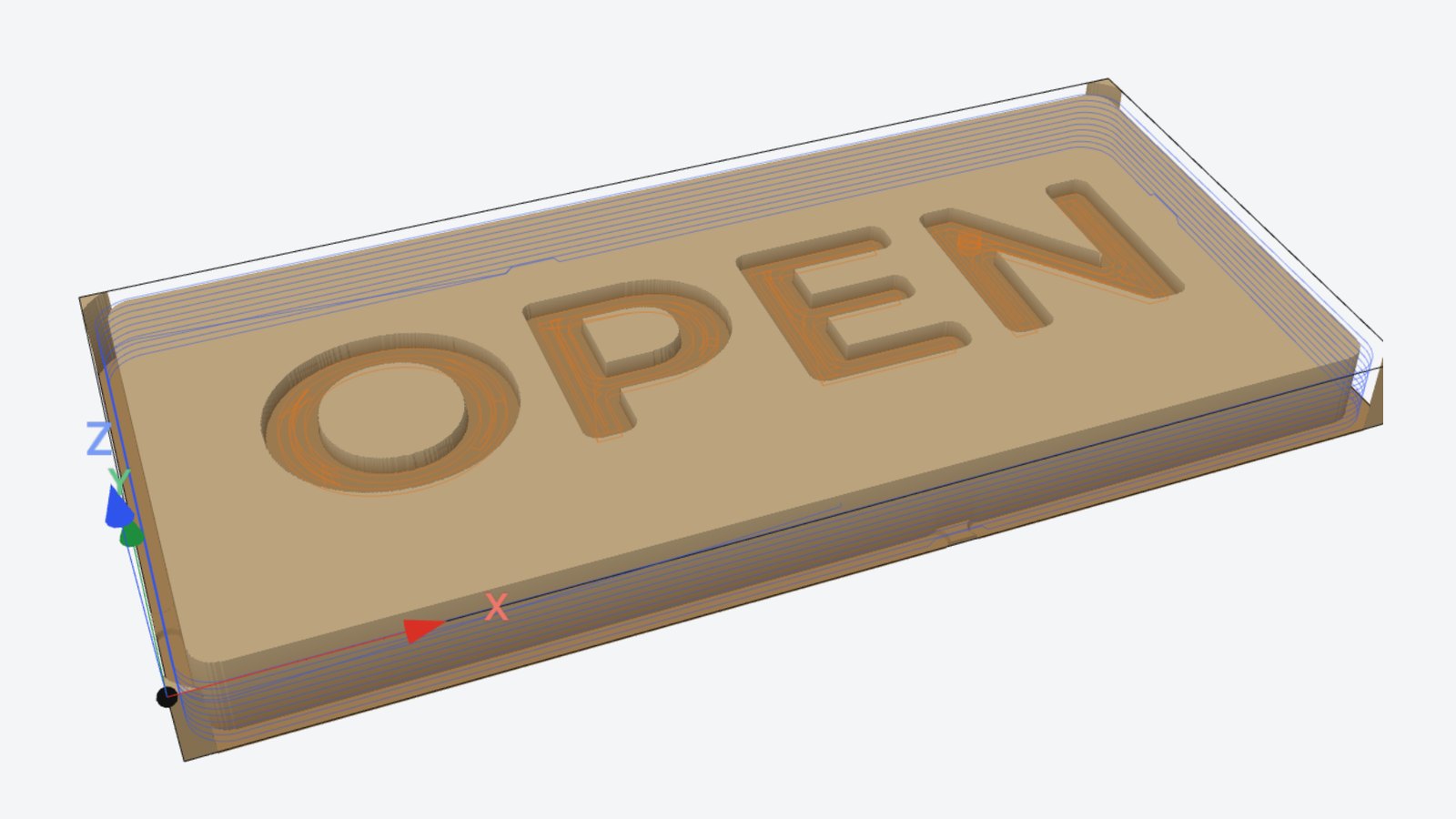
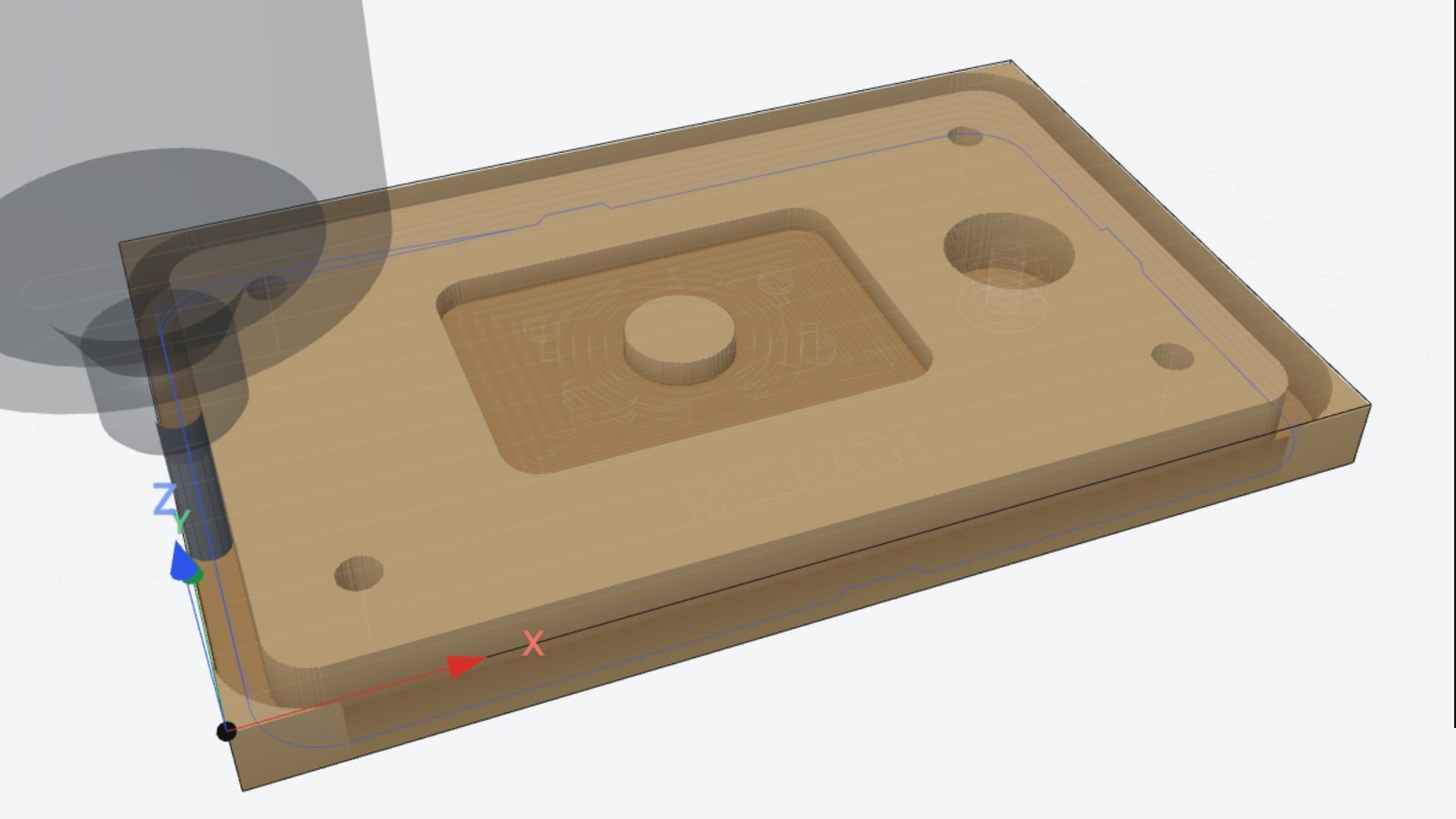
MillPath is the one we make, so take this part with that in mind. It runs in Safari, Chrome, Firefox and Edge. The toolpaths, the 3D simulation and the safety checks run on your own Mac, not on a server, and your drawings stay in the browser unless you turn on backup to your account.
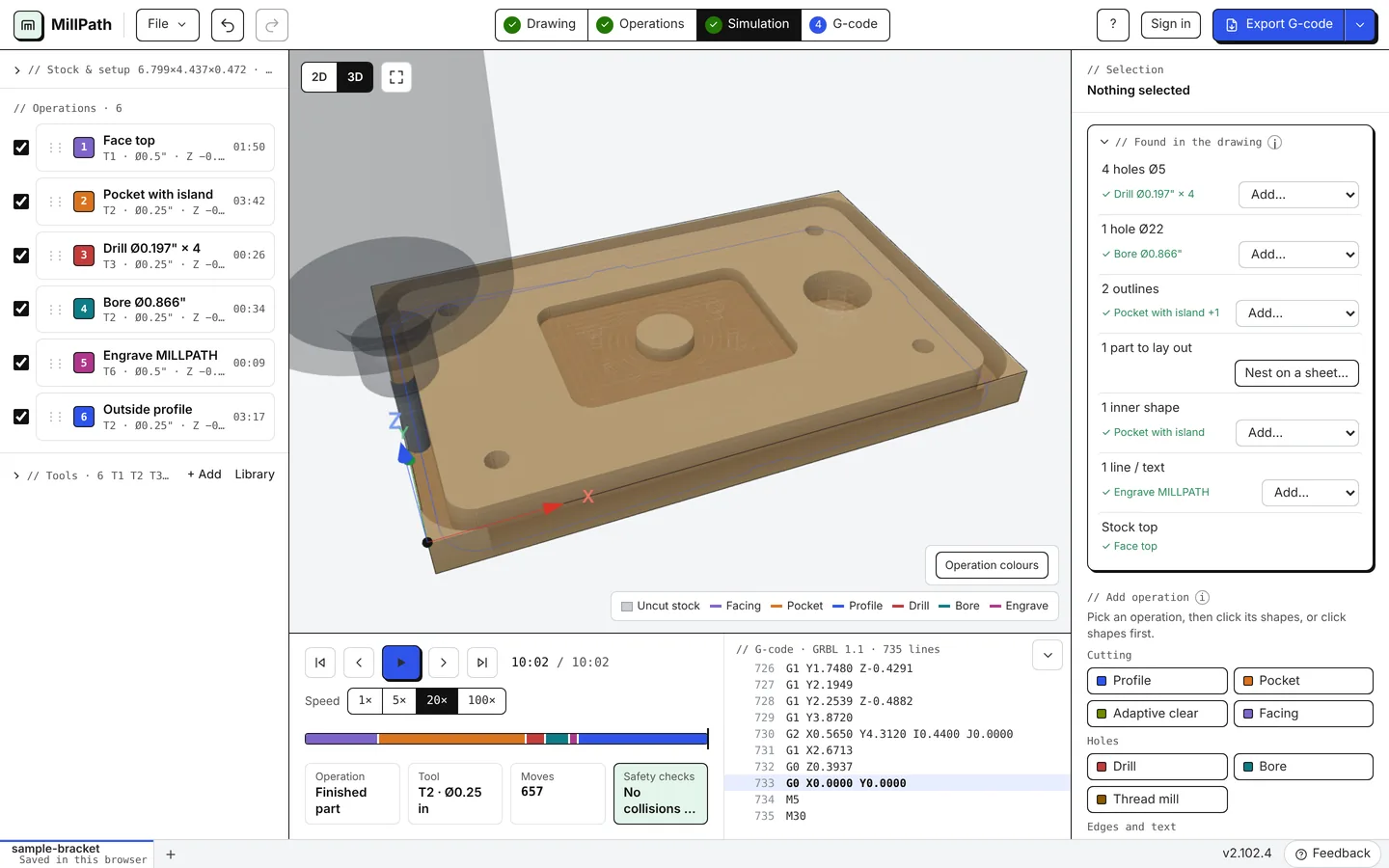
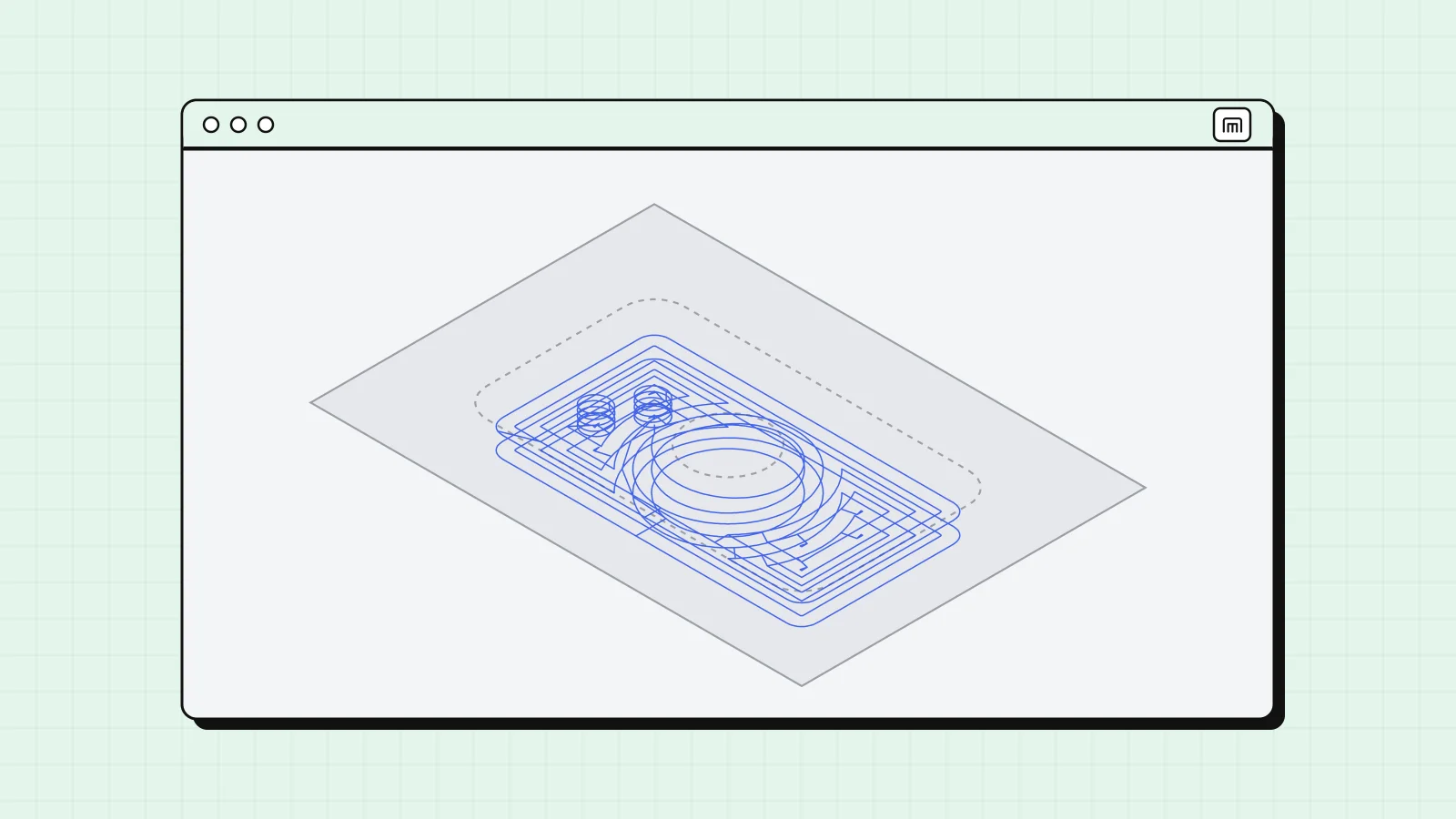
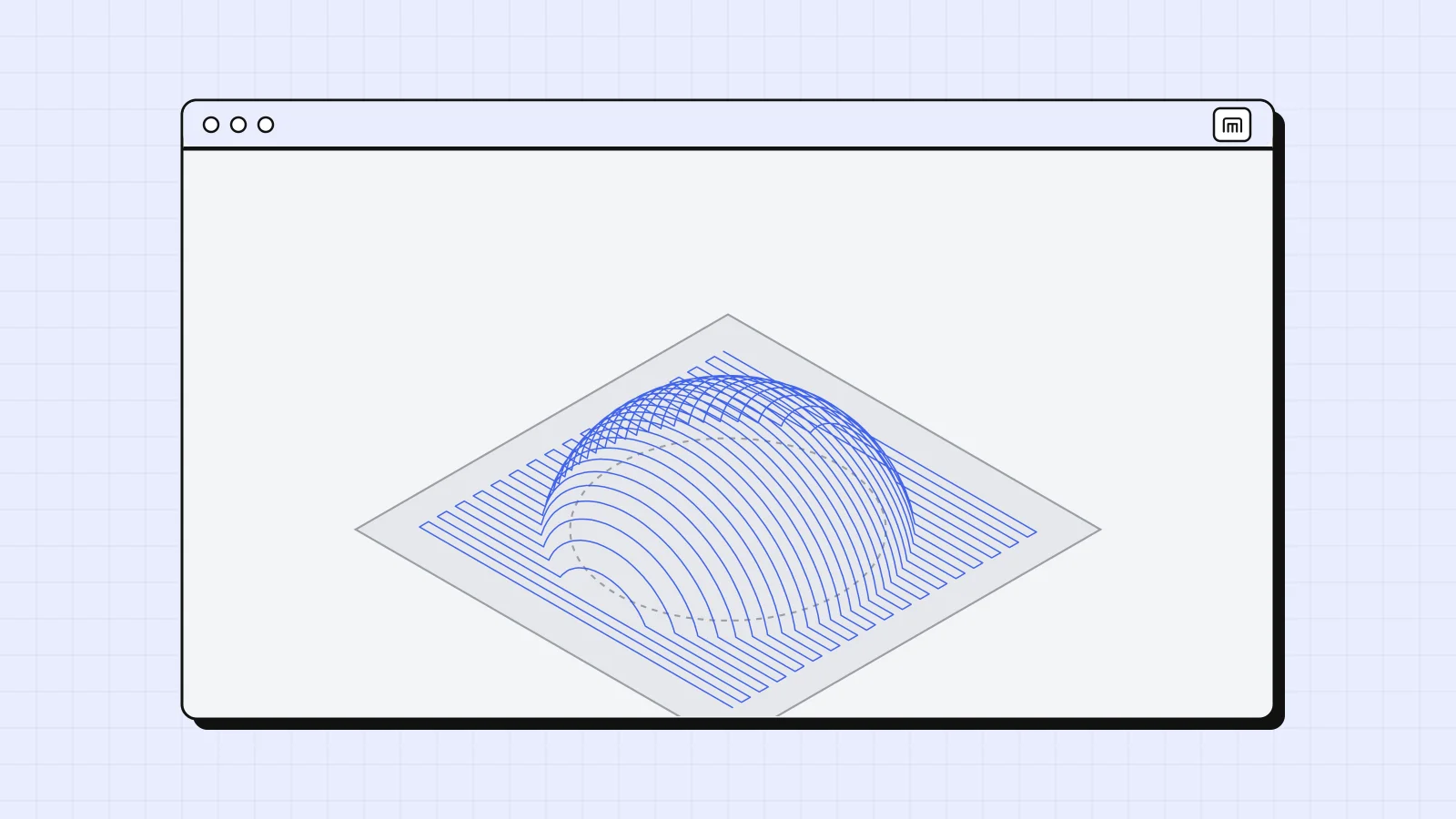
What the free plan covers: every 2.5D operation (profiles with tabs, pockets, adaptive clearing, drilling, boring, thread milling, chamfers, engraving, V-carving), posts for about 28 controllers, and two G-code exports a day. Your first G-code does not even need an account. 3D from STEP and STL models is in beta and part of Hobby. The getting started guide walks through a first job.
A few honest limits. A browser CAM needs WebGL for the 3D view (every current Mac has it). Large 3D models can take longer than in a desktop program. And some things are browser specific, like sending to the machine, below.
How do you get G-code from a Mac to the machine?
CAM makes the file. Something else has to stream it to the controller. On a Mac you have three common ways:
- A sender app. gSender from Sienci Labs is free, has a native Apple silicon build and works with GRBL machines. Universal G-code Sender and CNCjs also run on macOS.
- A USB stick. Controllers like RichAuto DSP handhelds and MASSO read G-code from a stick. On a Mac, format it in Disk Utility as MS-DOS (FAT). Our RichAuto guide covers that workflow.
- Straight from the browser. MillPath can send to a GRBL machine over USB. This uses Web Serial, which works in Chrome and Edge on a desktop but not in Safari or Firefox. On a Mac, open MillPath in Chrome for this. It is a Hobby feature; see send to machine.
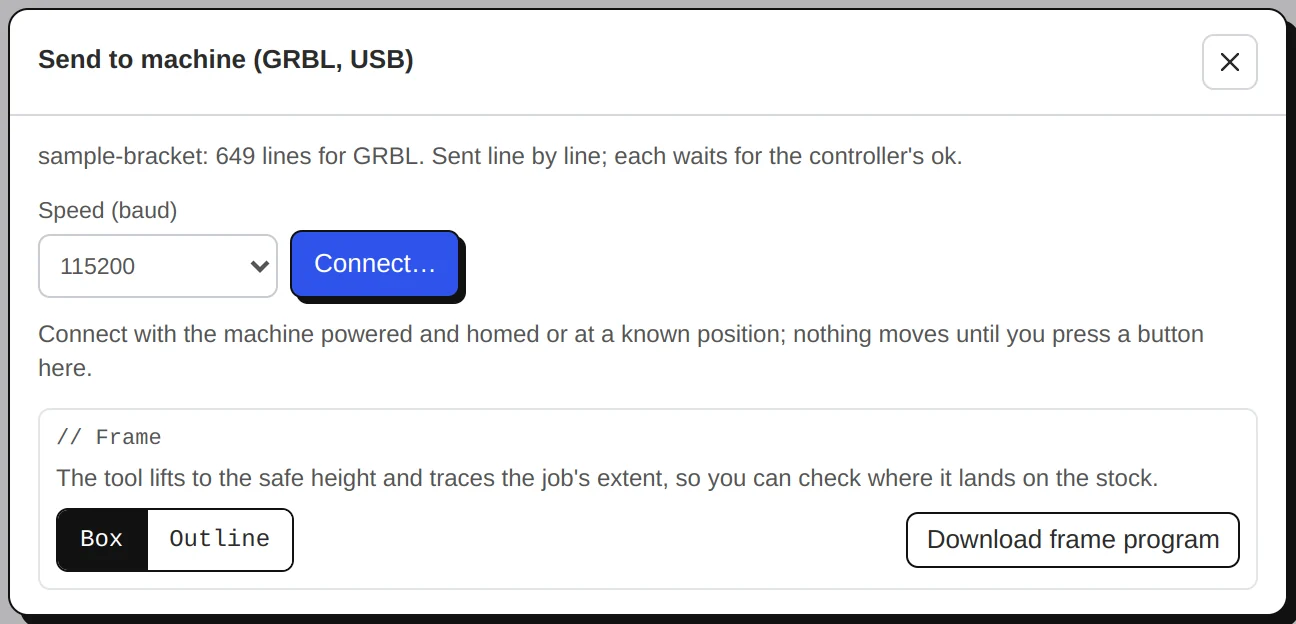
Whatever you use, pick the post for your exact controller (the controllers list shows ours) and run a new file in the air first, with Z above the stock.
Which one should you pick?
It depends on what you cut and how much time you want to spend learning:
- You also design parts in 3D and want one program for everything: Fusion. It is the most capable free option on a Mac for personal use, and the hardest to learn.
- You own a Shapeoko or Nomad: Carbide Create Core is free and made for your machine.
- You want free and open source, and like to tinker: FreeCAD or Kiri:Moto.
- You make signs and simple carvings on an X-Carve or similar: Easel is easy to start with, if one carve a week is enough or you pay for a plan.
- You cut 2.5D parts on a router or small mill and want shop features without installing anything: try MillPath. Open it, load the sample or your own DXF, and look at the simulation before you decide.
- You already know VCarve or Estlcam: keep them and run Windows in Parallels.
Most of these cost nothing to try, so open two of them with the same drawing and see which one makes sense to you. That says more than any comparison table.
Questions
Is there free CAM software for Mac?
Yes. FreeCAD and Kiri:Moto are free and open source, Fusion has a free personal-use license, and Easel and MillPath have free plans with limits. MillPath Free has every 2.5D operation and two G-code exports a day. See pricing.
Does VCarve run on a Mac?
Not natively. Vectric's programs need Windows. Many Mac users run them in Parallels with Windows for Arm, but Vectric says its support for that setup is limited.
Is Fusion free on a Mac?
Fusion runs natively on Apple silicon and has a free license for personal, non-commercial use, with some features limited. Commercial work needs a paid subscription.
Do I need to download anything to use MillPath on a Mac?
No. Open millpath.app in Safari, Chrome, Firefox or Edge. After the first visit it also works offline, and Chrome or Edge can install it as an app. See working offline.
Can I send G-code to my CNC from a Mac?
Yes. Save the file and run it with your controller's own sender, gSender, or a USB stick. MillPath can stream to GRBL machines over USB from Chrome or Edge on a desktop. See send to machine.
Also in: Español