On this page
A router with a RichAuto DSP handheld runs fine once it gets a file it understands. When a job stops halfway, cuts in the wrong place or carves in the air, the cause is almost always one of three things: the post, the tool change or the Z zero. This guide goes through each one, with what to set in MillPath and on the controller.
It applies to the A11 and to its relatives (A18, B51, B57). They read files the same way.
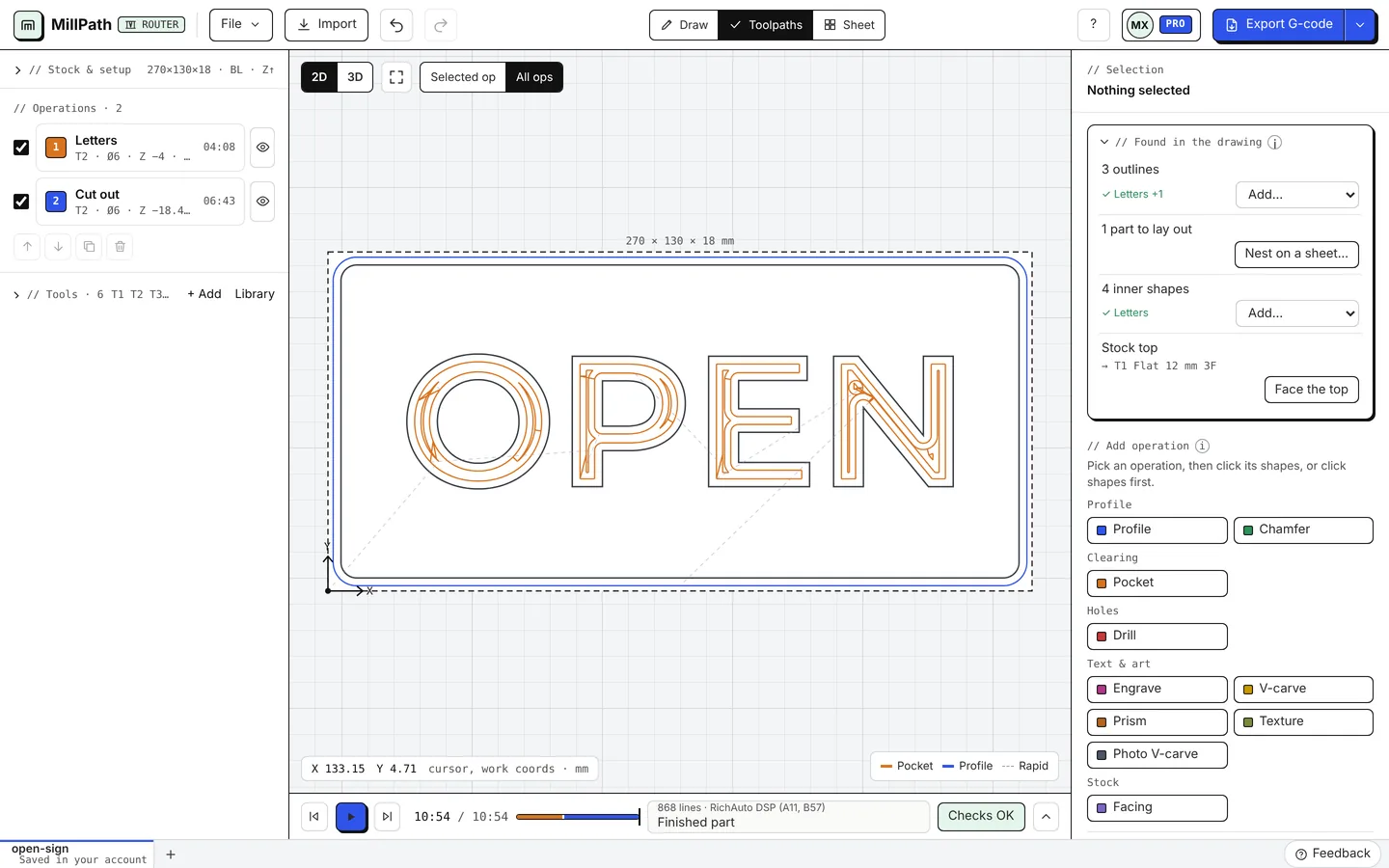
Why does my RichAuto job cut wrong?
Start with the post. A lot of people pick GRBL or a “generic” post because their CAM has no RichAuto one. The file looks like G-code, so it should work. Then the job stops at a line, skips a pocket, or the spindle never starts.
The DSP is not GRBL. It wants a header it knows, a tool line it accepts, and nothing it cannot read. A post made for it takes care of that. On the Autodesk forum you can see the same story many times: wrong post, half a job.
What does the A11 understand?
Here is what MillPath’s RichAuto post writes, and why:
| In the file | Why |
|---|---|
% at the start and the end | The DSP expects it |
G90 G94, G17, G21, G54 | Absolute moves, feed per minute, XY plane, millimetres, work offset |
T1 M6 for a tool change | The tool number, with no G43 after it |
| Holes as plain moves | No drilling cycles (G81, G83) |
G4 P3.000 after the spindle starts | A pause in seconds so the spindle reaches speed |
Arcs as G2 / G3 up to 180 degrees | Fewer, smoother moves than many short lines |
Notice what is missing: tool length offsets. RichAuto has said the A11 does not support them (quoted in the same Autodesk thread). That matters for tool changes.
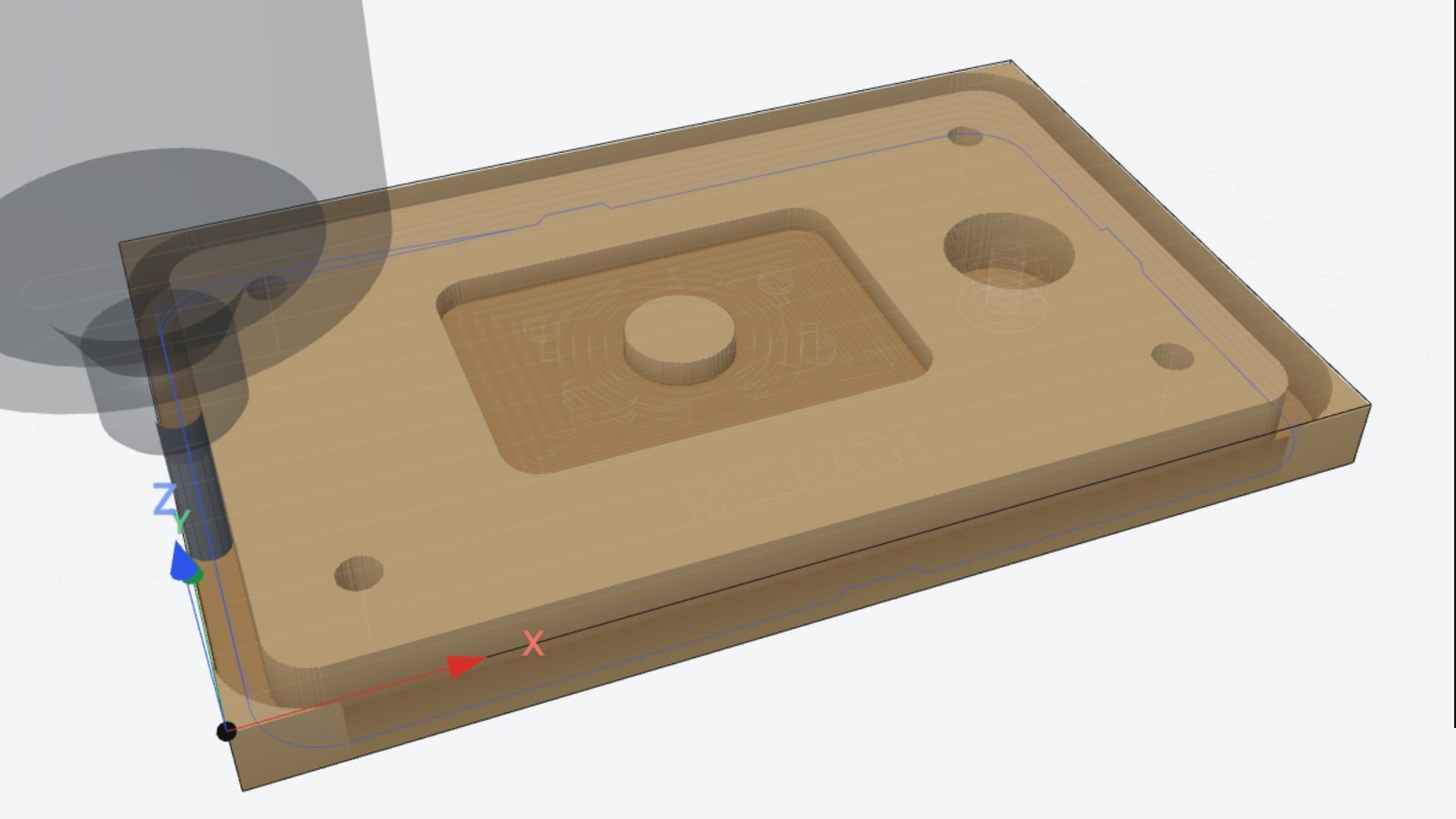
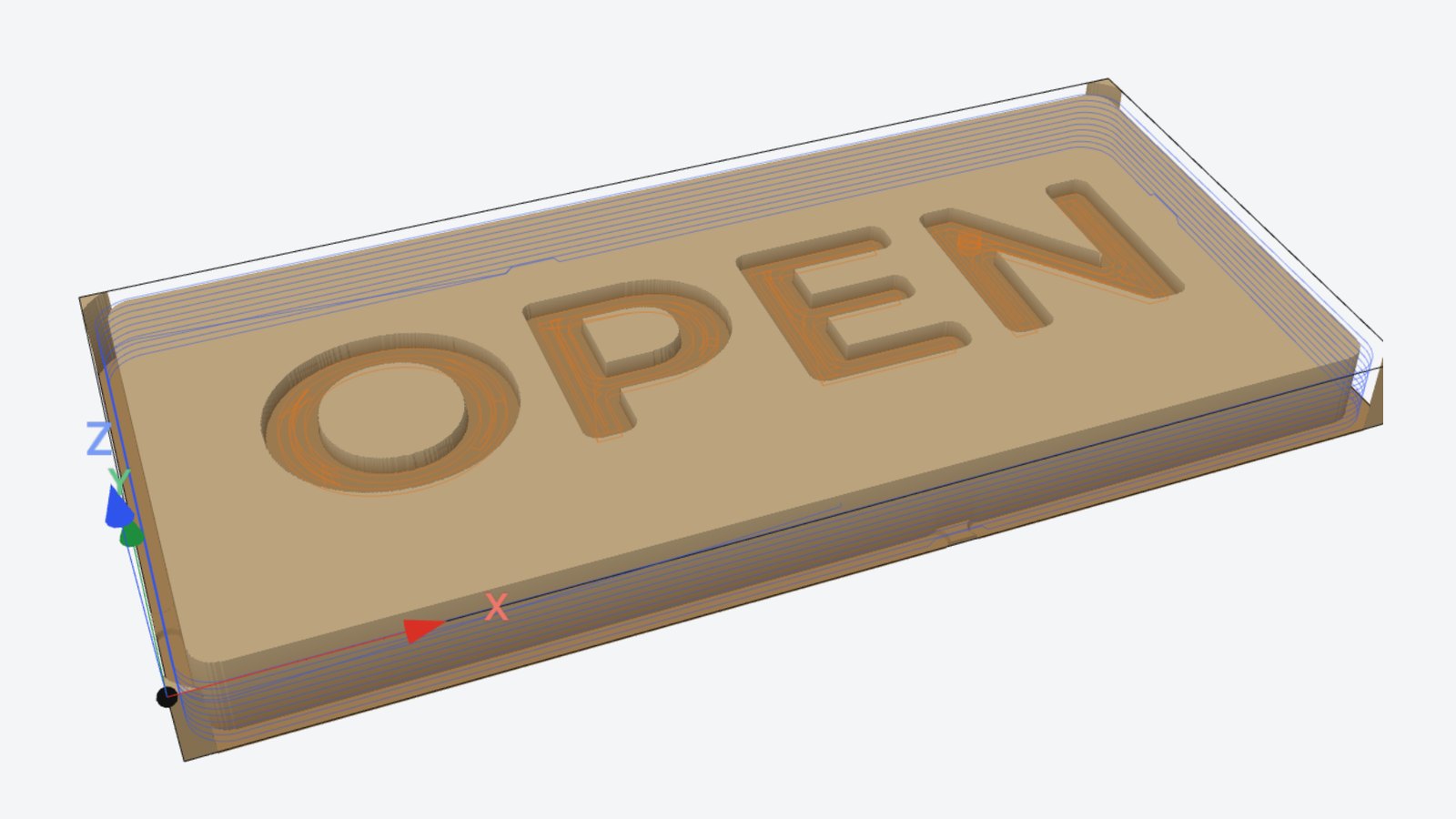
This is the start of a real file from the post, for the sign above:
%
(MILLPATH CORE 0.99.17 POST RICHAUTO DSP A11, B57 1.0.0)
(UNITS MM STOCK TOP Z0.000 CLEARANCE Z10.000)
(CHECK THIS PROGRAM BEFORE RUNNING IT)
(RUN NEW FILES IN THE AIR FIRST - USE AT YOUR OWN RISK)
(T1 FLAT 12 MM 3F D12.000)
(T2 FLAT 6 MM 2F D6.000)
G90 G94
G17
G21
G54
G0 Z10.000
T1 M6
S18000 M3
G4 P3.000
How do I make the file in MillPath?
- Open your drawing. DXF or SVG, or draw it in MillPath.
- Add the operations. Pockets, profiles, V-carving, holes.
- Pick the post. Click the arrow next to Export G-code and choose RichAuto DSP (A11, B57).
- Watch the simulation. Play it once and check that nothing cuts where it should not.
- Export. You get a .nc file. Copy it to the USB stick.
The RichAuto controller page lists everything the post writes. If your machine came with sample files that run well, you can compare one with MillPath’s output, or learn a post from it.
How do I change tools on an A11?
Use one file per tool. With no tool length offsets, the DSP cannot know that the new tool sticks out 8 mm further than the last one. If you change the tool in the middle of one file, the depth will be wrong unless you set Z again, and many A11 setups do not pause in a way that lets you do that cleanly.
So the usual routine is:
- Run the file for tool 1.
- Change the tool.
- Set Z zero again with the touch plate.
- Run the file for tool 2.
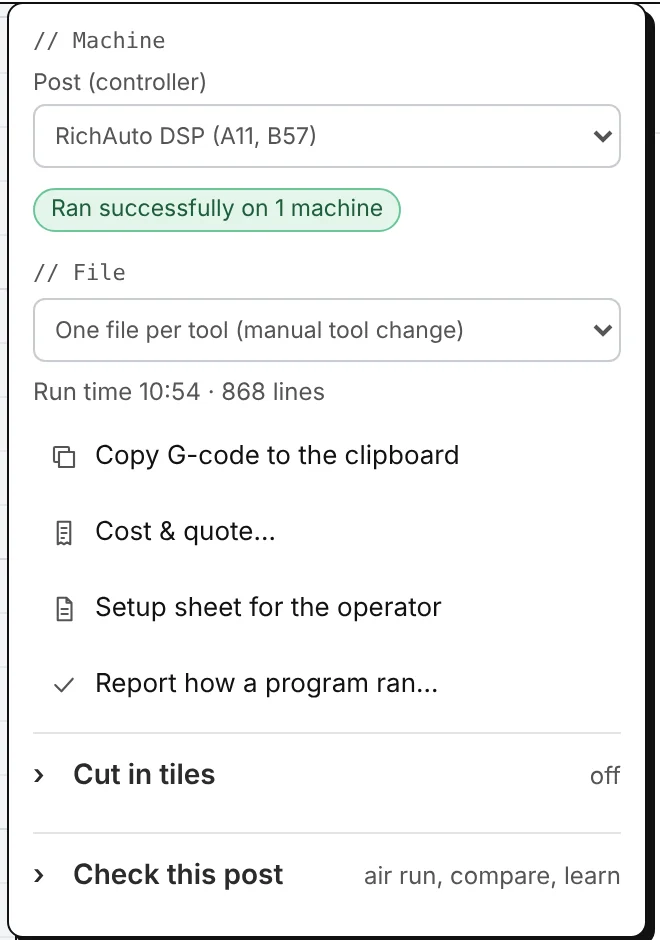
In MillPath, open the arrow next to Export G-code and set File to One file per tool (manual tool change).
You get one file for each tool, named after it (sign-T1.nc, sign-T2.nc) and in machining order, so you always know which one comes next.
Keep XY zero where it is between files. Only Z changes.
Why does the job cut in the air?
If the whole job runs a fixed distance above the stock, often 20 or 25 mm, check the touch plate thickness in the controller. When you set Z with a plate, the DSP takes the height where the bit touched the plate and subtracts the plate thickness. If that value is 0, or the thickness of a different plate, Z zero ends up on top of the plate instead of on the stock.
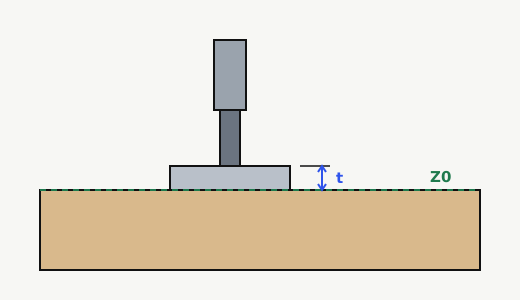
Measure your plate with a caliper and enter that value in the controller’s tool setting (calibration) parameters. The menu names differ between firmware versions, so look for “tool setting” or “block thickness” in your manual. This was exactly the fix in this thread: the G-code was right, the plate thickness was set to 0.
In MillPath, Z zero is the stock top by default. You can change it to the table under Stock & setup. Whatever you choose, set the machine the same way. The heights guide explains each height.
Other problems people hit
- The job takes far longer than the estimate. DSPs slow down on long runs of tiny line segments. MillPath writes arcs where it can, which helps. Also check the controller’s maximum speeds and acceleration: an estimate assumes the machine reaches the feed you set.
- The controller stops at a line. Note the line number and what the screen says. The controller check in MillPath can read the file the way your controller does, and you can send us the line from the app.
- The file does not show up. Use a USB stick formatted as FAT32, put the file in the root folder, and keep the name short without special characters.
Has this post run on a real machine?
Yes. A MillPath user ran a file from the RichAuto post on their machine and reported that it ran without problems (a dry run, October 2026). The post now shows “Ran successfully on 1 machine” in the app. When people report real cuts, it will say “Cut successfully” with the count.
If you run it on yours, please tell us how it went: Report how a program ran in the export menu takes a minute, and every report helps the next person with the same controller. On the free plan or a trial, it also adds days of Pro to your account.
You can try all of this for free. Open MillPath, draw or import a part, pick the RichAuto post and export your first file. No install, and no account for the first G-code.
Questions
Which post processor do I use for a RichAuto A11?
One written for the RichAuto DSP. In MillPath, pick RichAuto DSP (A11, B57) under the arrow next to Export G-code. A GRBL or generic post can leave out lines the DSP needs or write ones it does not understand.
What file type does the RichAuto A11 read?
Plain G-code from a USB stick formatted as FAT16 or FAT32. MillPath saves it as a .nc file. Keep the file name short and simple.
Can the A11 do automatic tool changes?
Not on a typical router. It has no tool length offsets, so most people run one file per tool and set Z again after each change. MillPath can export one file per tool in machining order.
Why does my job cut 20 or 25 mm above the stock?
The touch plate thickness in the controller does not match your plate. Measure the plate and enter its real thickness. See heights and Z zero.
Is MillPath free for RichAuto machines?
Yes, the free plan covers routers and the RichAuto post, with two exports a day. The first G-code needs no account. See pricing.
Also in: Español