// Docs
Send to machine (GRBL)
With a GRBL post (GRBL 1.1, GRBL lasers, Carbide Motion), Export G-code → Send to machine (GRBL, USB)… sends the program to the controller over its USB cable, from the browser. It needs Chrome or Edge on a desktop computer (Web Serial); other browsers export the file as usual.
How it runs
- Connect… and pick the controller’s port (115200 baud for GRBL 1.1 unless your board says otherwise).
- Unlock ($X) after an alarm, Home ($H) if the machine has home switches.
- Tick the safety line (zero set, work clamped, nothing in the way, emergency stop in reach), then Start. The machine must be Idle.
The program is sent line by line: each line waits for GRBL’s ok before the next (simple send-response streaming), so the controller’s buffer never overflows. Comments and blank lines are left out.
- Pause is a feed hold (the machine stops on its path); Resume goes on from there. A tool change (M0) holds the machine too: change the tool, then Resume.
- Stop is a soft reset: GRBL stops at once. After stopping while moving, GRBL may ask for Unlock and homing.
- An error or alarm stops sending; the message shows the line it came from.
Frame
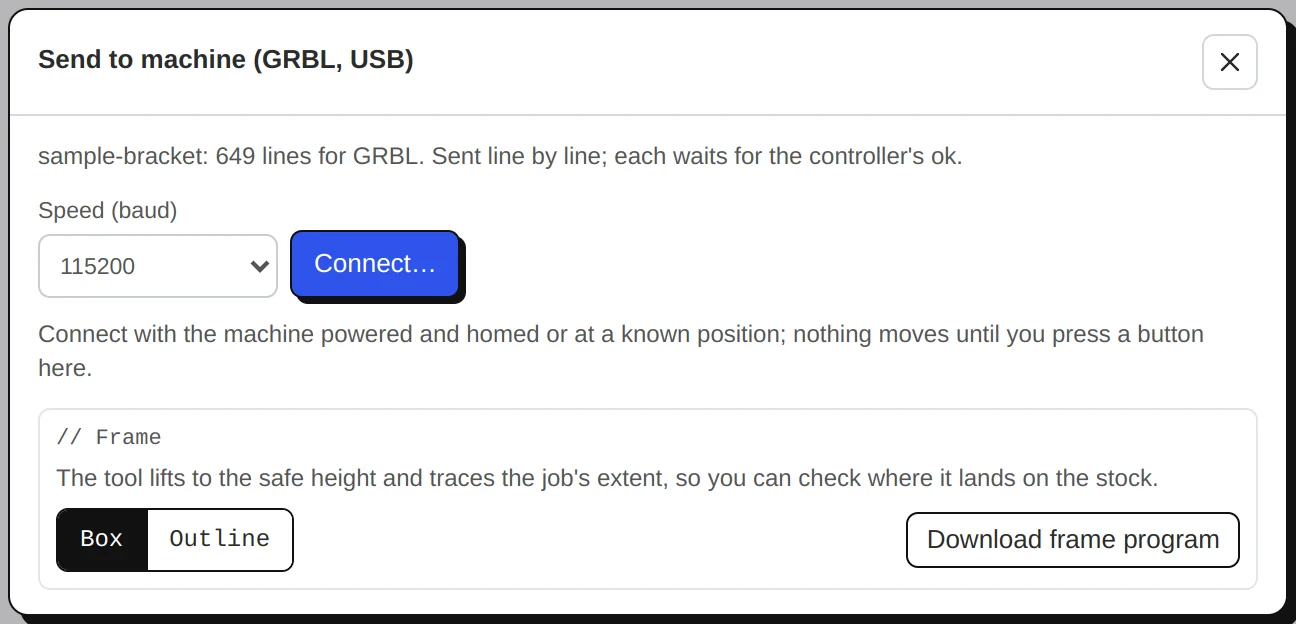
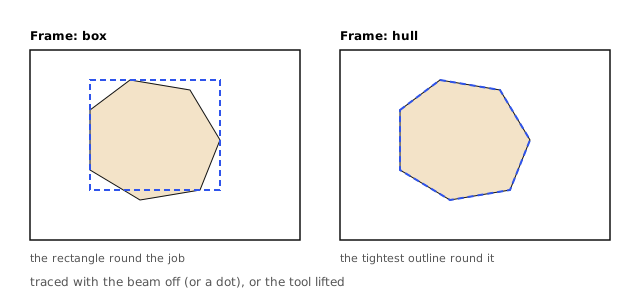
Before the job, Frame traces the extent of what will be cut or burnt: Box (the bounding rectangle) or Outline (the convex hull, the shape a rubber band would make round the job). A router lifts to the clearance height first and stays there; a laser moves with the beam off, or with a faint dot (at most 5 %, M4) so you can see it. Download frame program saves the same moves as a small file for any other sender.
Sending counts as an export. A new file goes in the air first; see Safety.