// Docs
Parts from sizes, costs and quotes
Part from sizes
File → Part from sizes draws a common part from a few numbers, with a live preview:
- Flange / washer: outside and bore diameter, bolt holes on a circle.
- Plate with holes: width, height, corner radius, holes in from the corners, a centre hole.
- Gusset: two legs, a clipped corner, holes, a lightening hole.
- L bracket: two legs, the width, the inside fillet, holes in each leg.
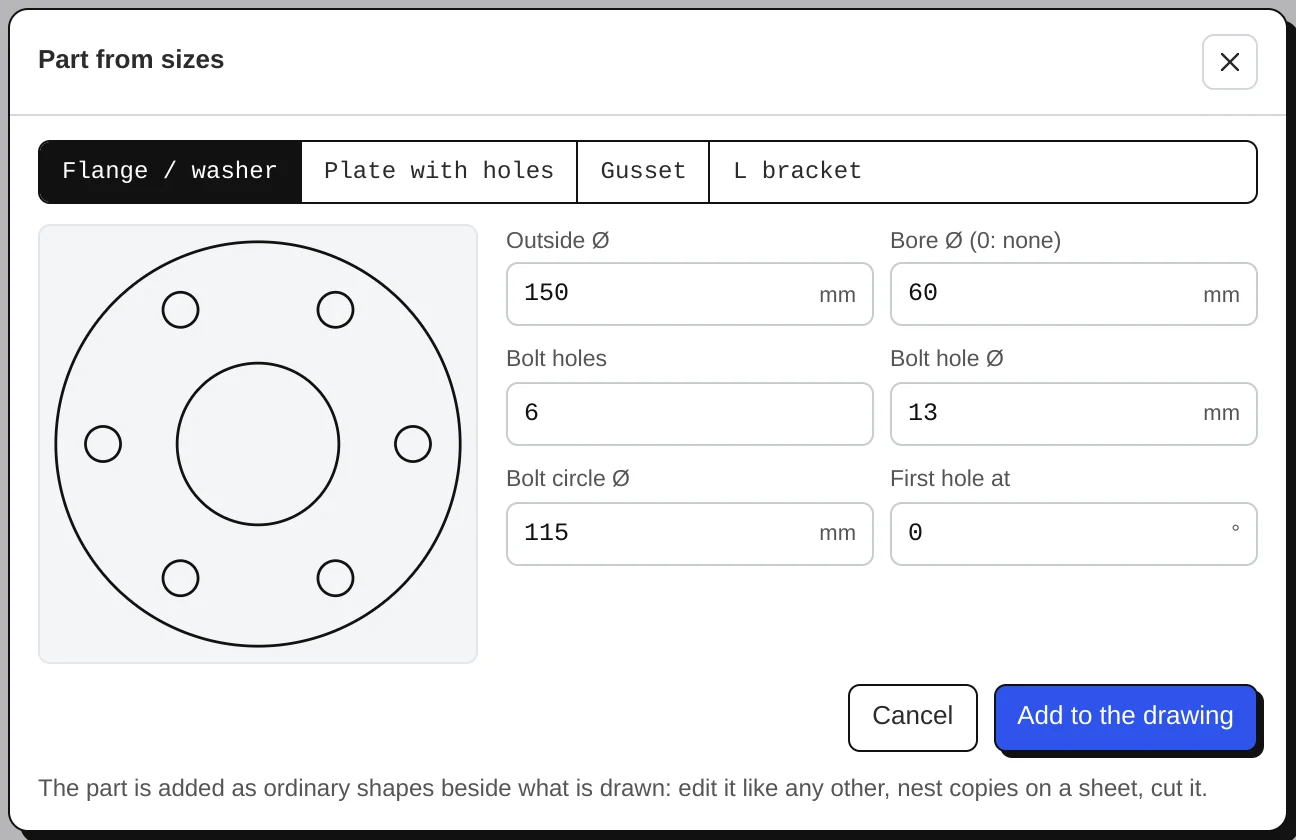
The part is added beside what is drawn, as ordinary shapes: edit it, add operations, nest copies on a sheet. Your last sizes are remembered (in inches for inch projects).
Cost and quote
The arrow next to Export G-code → Cost & quote works out what the job costs you and what to ask for it:
- Machine time from the simulation (plus pierces and cut length for plasma and laser).
- Material per sheet, per m² or per kg (with the density), and how much of the sheet the job uses.
- Your shop rates: machine per hour, operator, set-up, consumables; and your markup.
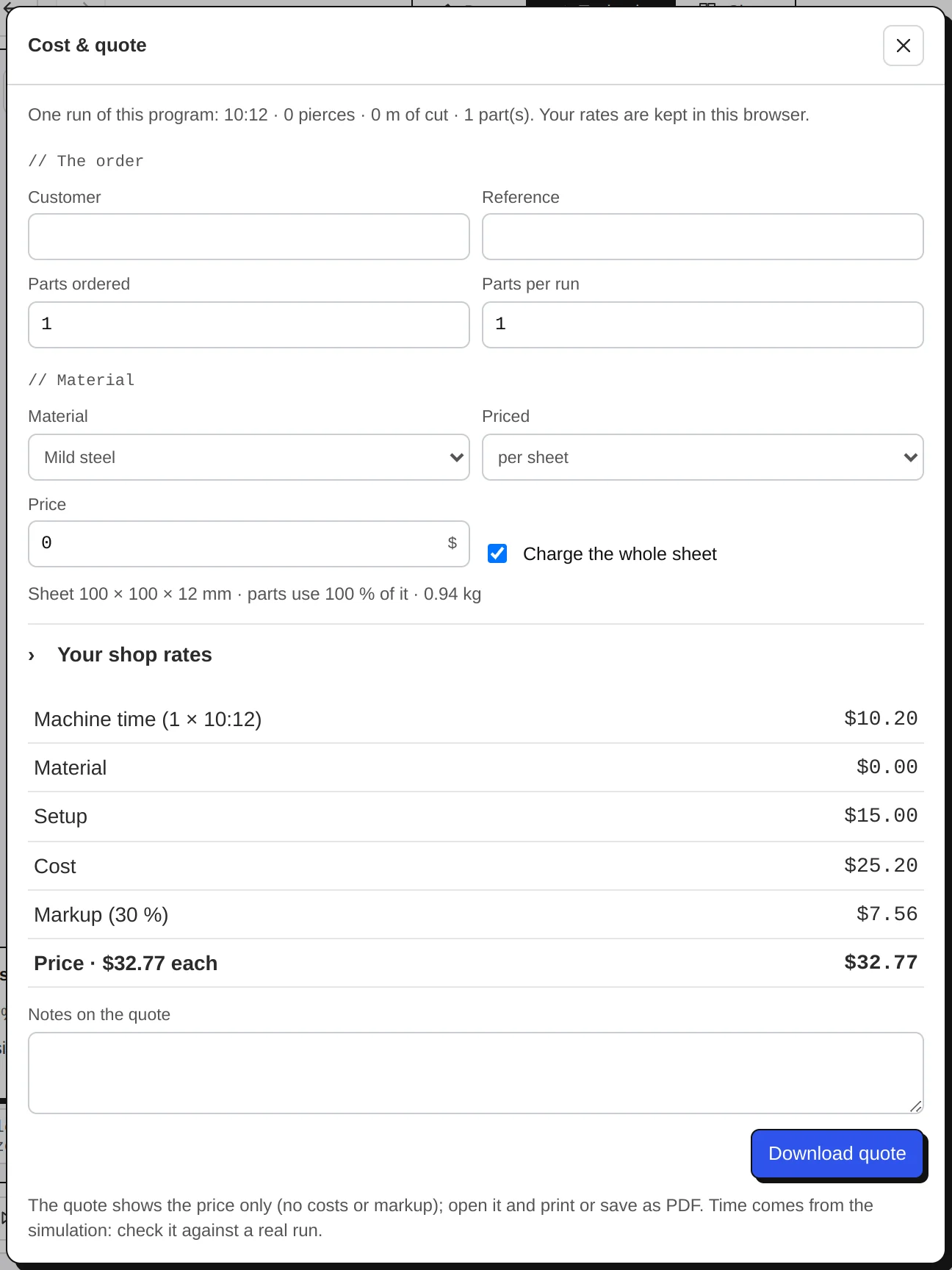
The quote is a clean page for your customer with the price only, not your costs. Rates are kept for next time and, with backup on, in your account.