// Docs
Reports and feedback
No CAM can test every controller. MillPath checks what it can itself, and asks the people who run it for the rest.
How did it run?
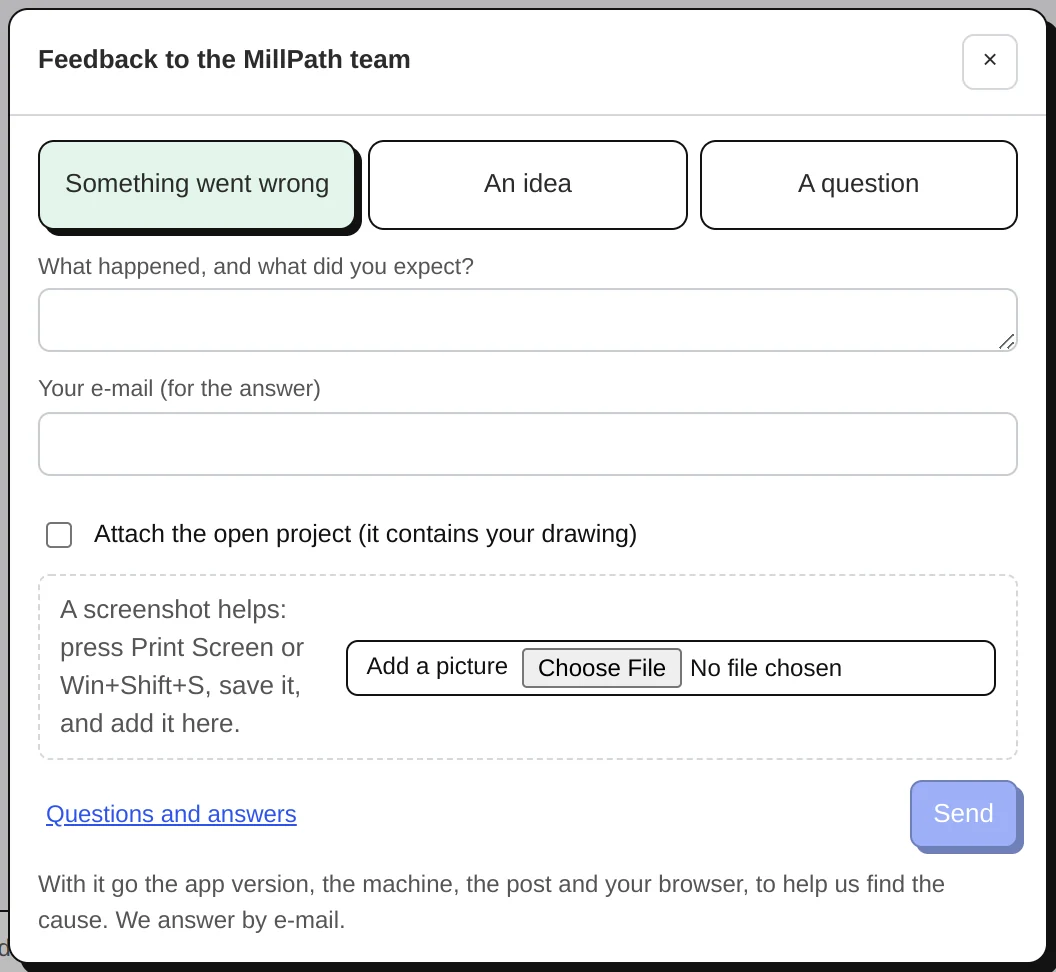
Shortly after an export, a card in the corner asks Did it run well?, with a picture of the program so you know which one. It worked is one click. Problem opens a short form: what went wrong, what the controller said (GRBL error numbers are explained), and the line it stopped at (found in your program). You can attach the program, and a file from your old CAM that runs fine on this machine: it shows exactly what your controller expects. Export → Report how a program ran opens it any time.
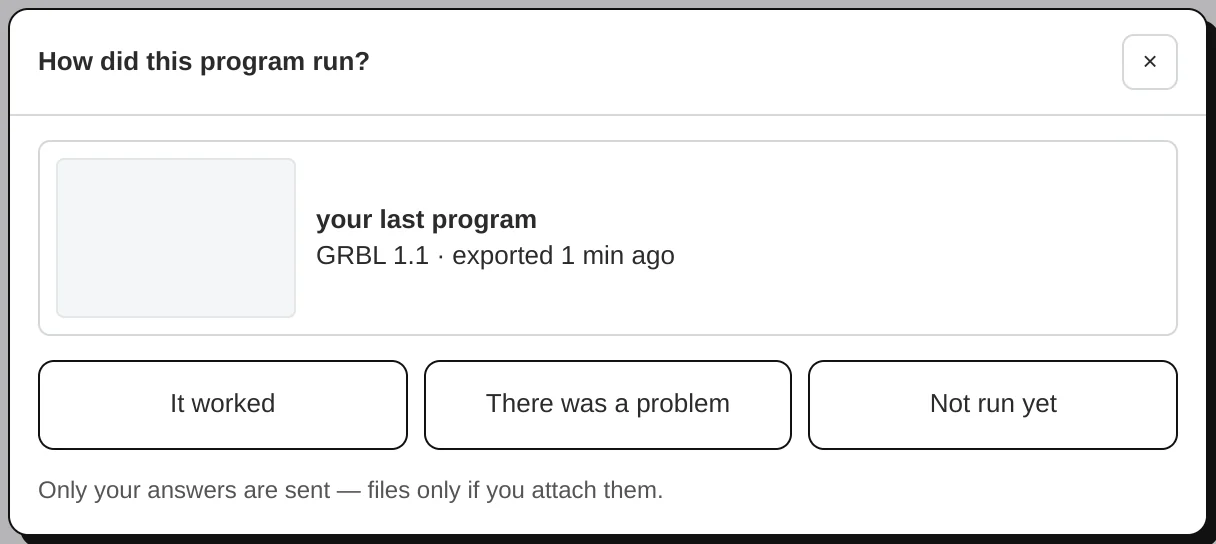
A report from a run gives a free account days of Pro (7 for a full report, once per post).
The post badges
- Checked by GRBL 1.1h's own parser: every test file of the post is read by the controller's own G-code parser in our tests, on every change. Not yet a run on a machine.
- Confirmed on N machines: that many different users reported a real cut that went fine.
- Not yet confirmed on a machine: written from the controller maker's documentation; run new files in the air first and tell us how it went.
Feedback
The Feedback button (bottom right on the site, in the bottom bar of the app) sends a problem, an idea or a question to the MillPath team. The app adds its version, the machine, the post and the last error; a picture or the project only if you add them. We answer by e-mail. You can also write to support@millpath.app.