// Operations · key E
Engrave
Follows lines and single-stroke text at a fixed depth.
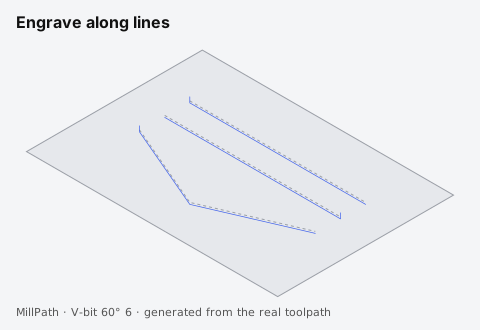
Use it for: Single-line text, markings, scribe lines, artwork outlines.
Tool: A V-bit or a small flat end mill.
Settings
| Setting | What it does | Default |
|---|---|---|
| Depth | Depth of the engraving. | 0.3 mm |
| Stepdown | Stepdown for deeper engravings. | 0.3 mm |
| Fluting | On open lines the depth ramps in from the surface over the ramp length, and out again at the end (or only at the start): decorative flutes on columns, legs and panels. | Off |
Every operation also has: Tool, Include in G-code, Own safe heights, Start depth, Coolant, see Heights. Hover the (i) next to a setting in the app for the same explanations.
Tips
- For filled letters and outline fonts, use V-carve instead.
- Flutes look best with a ball nose: the groove widens and narrows with the depth.